
New Brave Origin premium experience offers users a minimalist version of the Brave browser
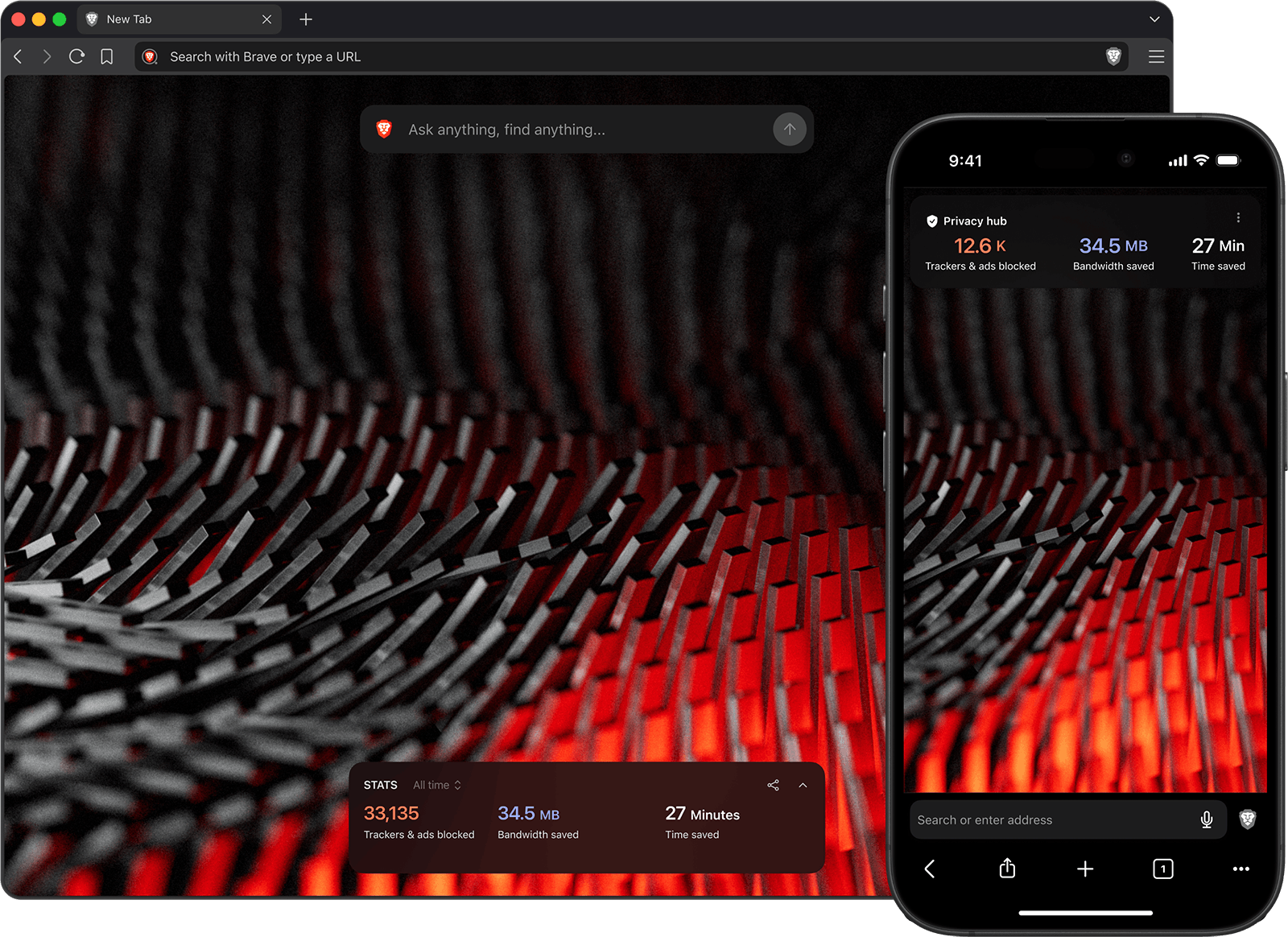
When Brave users asked us for a minimalist version of our browser, and one they’d be willing to pay for, we listened. Today, Brave is announcing the release of Brave Origin, a paid version of the browser for users who don’t need all of Brave’s out-of-the-box features, but still want the privacy that only Brave offers.
In reality, there’s no such thing as a free browser. With Chrome, you are the payment: Google siphons your data, which in turn fuels their advertising empire. Brave blocks all tracking by default and operates out in the open: premium, opt-in features like AI, Search, and VPN, along with crypto features like Rewards, Wallet, and Web3 domains all directly support the business through revenue from subscriptions, partnerships, or privacy-first advertising. But many users have told us they want a browser without the extras. For these users, we’ve built Brave Origin.
Brave Origin delivers the same privacy and performance that have made Brave trusted by over 115 million users worldwide. This includes industry-leading ad+tracker blocking, Brave Shields protection, and best-in-class speed, along with regular software updates, Chromium patches, and ongoing security and privacy improvements. Brave Origin users will simply get a more minimalist version of the browser, without the features that otherwise support Brave as a user-first business.
For users who prefer Brave’s rich feature set, or who simply don’t want to pay for Brave Origin, the existing Brave browser product will remain free, unchanged, and fully supported.
“We’re excited to launch Brave Origin today, in response to demand from our users for a minimalist browser with best-in-class privacy and security protections,” said Brian Bondy, CTO and co-founder of Brave. “Origin gives our users the ad and tracker blocking they want coupled with the ability to manage which features appear in the browser, for a one-time fee across all their devices (and free on Linux). By supporting Brave as a business, users get the browser they asked for in order to manage their Web experience.”
Why we built Brave Origin
Brave has always been about putting the user first. The choice to block (or allow) ads and trackers in order to protect user privacy depends on blocking by default, or game over. Brave also enables users to explore (or ignore) emerging spaces like AI and Web3, where a user-first browser will be crucial. And, most of all, Brave allows users to access the Web on their terms, free of Big Tech’s influence. By default, Brave blocks the data theft that feeds the Surveillance Economy, and combats the algorithmic bias that can harm free access to information.
At the same time, we’re conscious of the economics of the Web. We have strived to put users first while enabling them to support their favorite publishers and creators, all the while building Brave into a sustainable business.
We built Brave Origin in response to requests from users who wanted to support Brave’s industry-leading work on Web privacy and open-source adblocking, without having to manage or remove features they weren’t interested in using.
How to try Brave Origin
Brave Origin is available in two ways:
- As a new, standalone browser product, available via a separate app download (on desktop devices)
- As an upgrade to the existing version of Brave (on desktop or mobile devices)
Both versions will be available via a one-time purchase of $59.99 US, and a single purchase will give you access to both options. For example, after making this one-time purchase, you could choose to download the standalone app and upgrade your existing version of Brave, or use only one of these options.
Purchasing will provide a purchase ID that can be activated multiple times across all your devices, in either—or a combination of both—standalone and upgrade modes. There is technically no limit to the number of times you can activate Origin across your devices and platforms, but there is a monthly rate limit. You can easily manage your activations—and request more—using self-serve controls in account.brave.com.
What features are affected by Brave Origin?
Brave Origin users will continue to benefit from our industry-leading privacy, adblock, and speed (via Brave Shields), as well as regular software updates, Chromium patches, and security and privacy improvements. Beyond this core, Origin will affect the following features:
- Email aliases
- Leo AI
- News
- Playlist (currently iOS only)
- Rewards (which also disables browser-based Brave Ads)
- Speedreader
- The daily usage ping, crash logs, and privacy-preserving product analytics (P3A)
- Talk
- Tor
- VPN
- Wallet (which also disables Web3 domains)
- Wayback Machine
- Web Discovery Project
For Origin users who download the separate, standalone app, all of the features listed above will be automatically removed. Any new revenue-generating features we release (outside the core of Brave Shields) would not appear in the standalone Origin app. The features will be compiled out of the build.
Origin users who opt to upgrade the existing Brave app on their device will see a new Settings panel. The features listed above will appear in this Settings panel, and be toggled off by default. Any new features we release outside the core of Brave Shields will appear in this panel, and also be off by default. In this case, Brave manages group policies internally to disable features.
Users who use the free Brave browser can also hide or disable most Brave features without getting Origin. However, the features are not compiled out of the build just by hiding them, and thus executables are not smaller, unlike the standalone Origin product. For users who choose to follow these instructions, we hope they can also support Brave as a business in another way, such as with Brave Search premium.
How to access Brave Origin
Brave Origin is available via one-time purchase of $59.99 US, but the standalone and upgrade versions have different availability on different operating systems. Origin is also available for free for Linux users. The table below should clarify the options:
| Available as an upgrade | Available as a standalone app | Available as a one-time purchase | Available for free | |
|---|---|---|---|---|
| Android (version 1.91 and above) | ✅ | ✅ | ||
| iOS (1.91 and above) | ✅ | ✅ | ||
| macOS (1.91 and above) | ✅ | ✅ | ✅ | |
| Windows (1.91 and above) | ✅ | ✅ | ✅ | |
| Linux (1.91 and above) | ✅ | ✅ | ✅ | ✅ |
Note that while Origin is available as a free download for Linux users, these users are of course still welcome to purchase Origin if they’d like to support Brave.
How to use Brave Origin as a standalone app (desktop only)
- Download Brave Origin for your desktop device.
- Complete the installation, and open the Origin app.
- You’ll be presented with prompts to either verify your purchase or buy now on the Brave Premium account site.
- If you haven’t yet done so, complete your purchase. Be sure to save the purchase ID you receive.
- Go back to the Origin app and enter this purchase ID.
- Complete the onboarding flow, and browse as you normally would.
Linux users can choose to skip the purchase process and get the Origin standalone app for free. To do so, they should download and install Origin, then click the Proceed with Origin for free on Linux button. Note that this dialog appears only once on Linux.
The standalone version of Origin has its own Nightly, Beta, and Release channels, distinct from the free (or Origin-upgraded) Brave channels. Each of these channels will be available for download at brave.com/origin/.
Note that if you’ve purchased Origin and no longer want to use it, you can contact support anytime within 30 days of purchase for a full refund.
How to use Brave Origin as an upgrade
If you opt to use Brave Origin as an upgrade to the existing Brave app on your device, you’ll see a new control panel in the Brave Settings menu. Existing features—as well as any new features we ship in the future—would appear here, and be toggled off by default.
To upgrade on desktop:
- Click “☰” (Settings), click System, and scroll to Brave Origin.
- If you haven’t yet purchased Origin, click Buy now. You will be taken to the Brave Premium account site.
- If you’ve already purchased Origin, and you’d like to upgrade Brave on another device, log in to the Brave Premium account site to get your Purchase ID.
- Complete your purchase. Be sure to save the Purchase ID you receive if you’d like to activate other devices.
- Restart Brave browser to fully enable the changes.
- Open the main Settings menu again, and click Brave Origin.
- You should now see the panel where you can toggle features on / off.
Linux users can choose to skip the purchase process and upgrade to Origin for free by clicking Proceed with Origin for free on Linux on the desktop Settings page.
To upgrade on mobile:
- Tap “⋮” (Android) or “…” (iOS), tap All Settings, scroll to General, and tap Origin.
- If you haven’t yet purchased Origin, tap Buy now. You will be taken to the Play Store or App Store.
- If you’ve already purchased Origin, and you’d like to upgrade Brave on another device, click Verify Brave Origin purchase instead.
- Restart the Brave app.
- Open the main Settings menu again, and tap Origin.
- You should now see the panel where you can toggle features on / off.
Note that if you’ve purchased Origin and no longer want to use it, you can contact support anytime within 30 days of purchase for a full refund.
How Brave Origin maintains user privacy
Some early Brave Origin users have asked how Brave can maintain user privacy while requiring a purchase ID (either from a Brave premium account or from the App Store / Play Store).
Brave uses a blind token protocol based on Privacy Pass, which decouples payment identity from service usage. These privacy-preserving subscription credentials allow the browser to verify you have a valid purchase of a premium product (like Origin) without learning anything about you.
Brave Origin extends user choice
Brave gives more than 115 million users worldwide a real choice online—to be in control of their personal data, the sites they visit, and how those sites appear. But to do so, Brave needs to sustain itself as a business. Brave Origin allows us to continue offering this choice and customization, while providing financial support for the engineering and infrastructure required to make Brave’s vision a reality.
For users who like Brave’s rich feature set, or who simply don’t want to pay for Origin, the existing version of Brave will remain free and fully supported.
Notes:
- This blog post was updated June 12, 2026, to clarify that crash logs, the daily usage ping, and P3A are the three stats-related mechanisms that are removed from Brave Origin.
- This blog post was updated June 29, 2026 to remove the line “Also note that Brave Origin will be available for iPhone and iPad when Brave 1.91 is released on iOS (roughly 1 to 2 weeks after 1.91 is released on Android and desktop).” Brave Origin is now fully available across desktop, Android, and iOS.
- This blog post was updated September 8, 2026 to remove the line “(currently in Nightly release for desktop)” from the mention of Email Aliases. The Email Aliases feature is now on full release for desktop users. Learn more

