Reach the most disruptive audience on the Web

Brave Browser Ads are browser-based ad placements for every stage of the funnel.

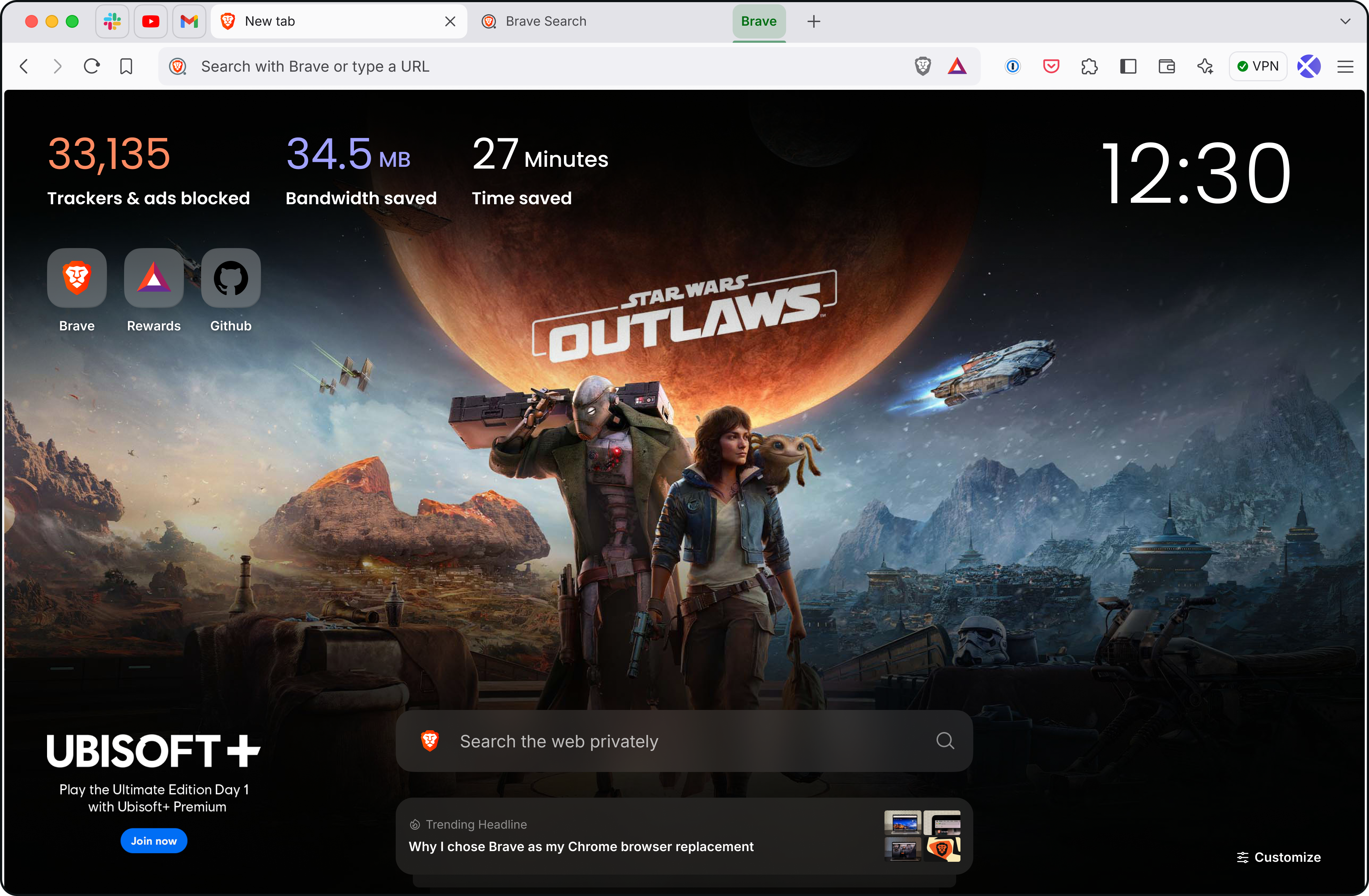
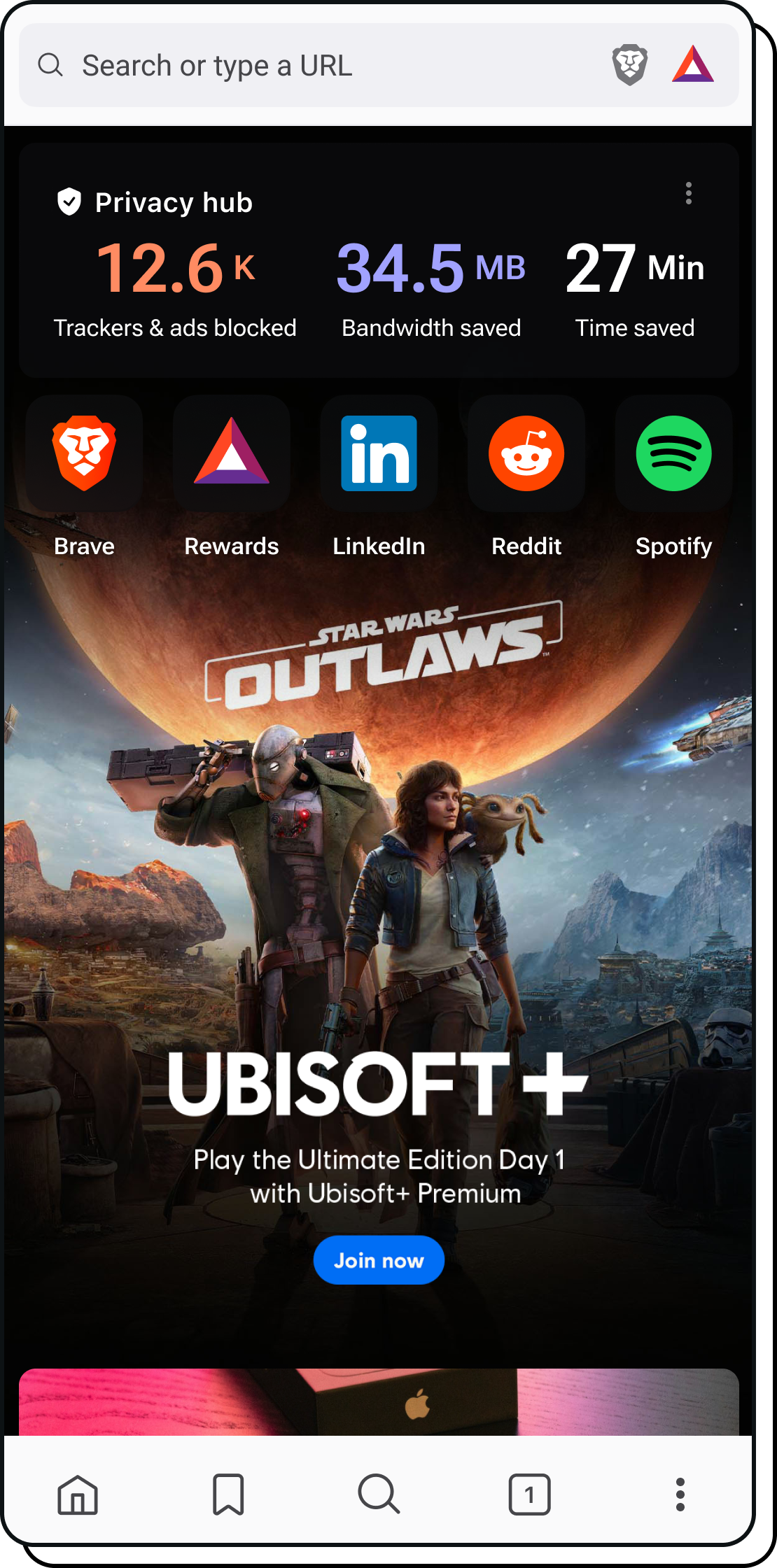
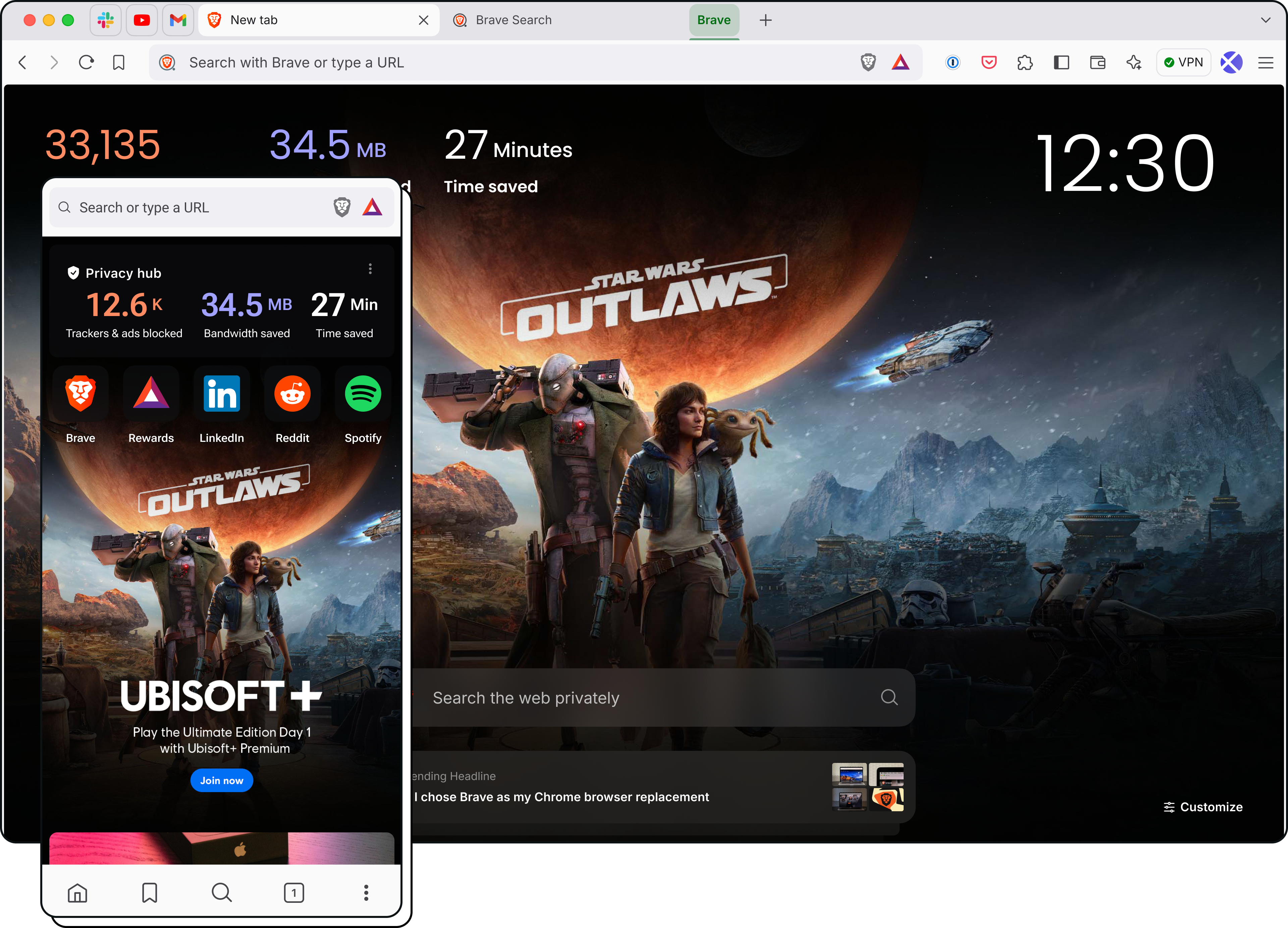
New Tab Takeover

Build brand awareness with a custom branded wallpaper on every third new tab opened in Brave.
Brave Search results page

$25k USD minimum ad spend

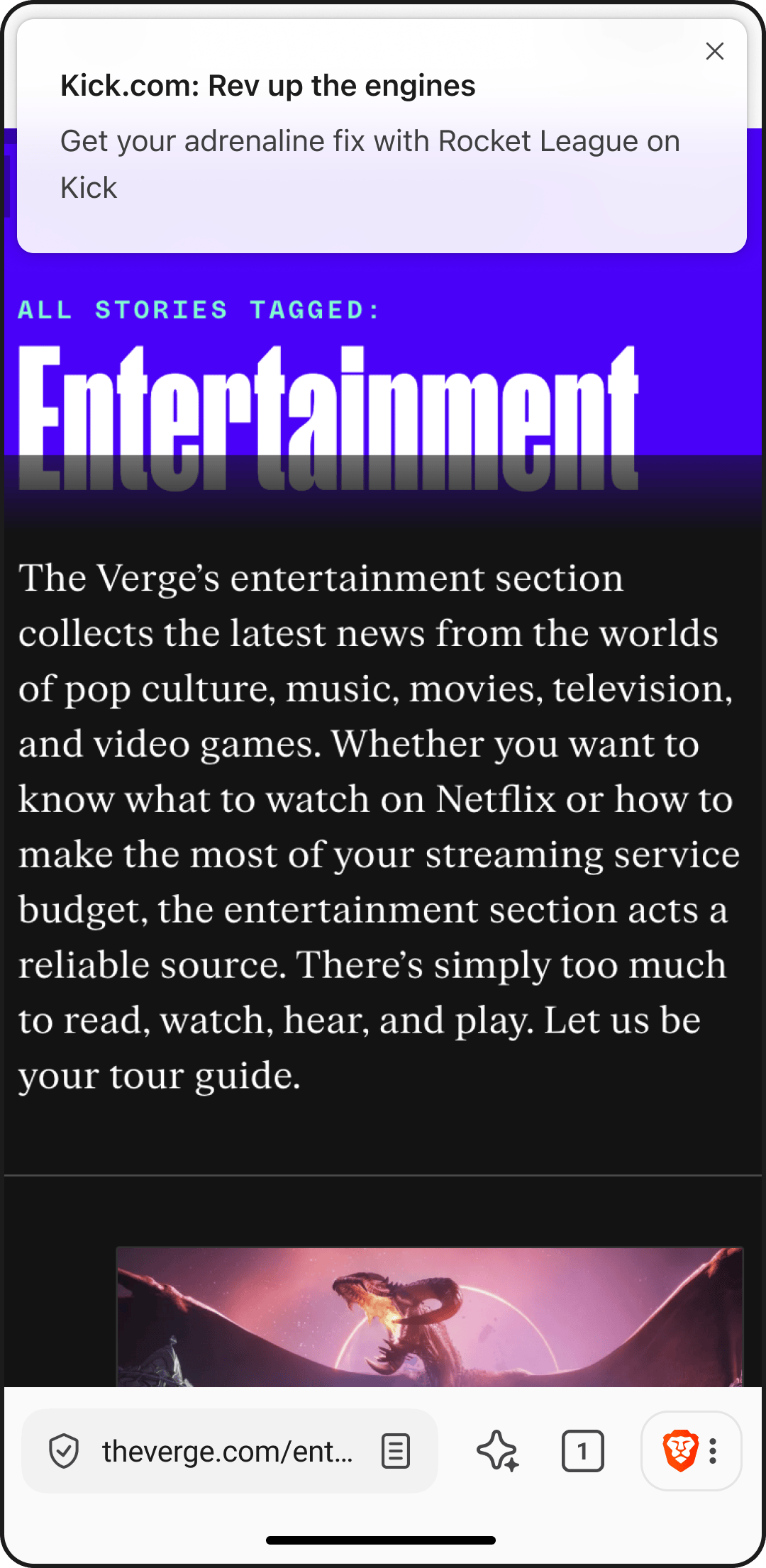
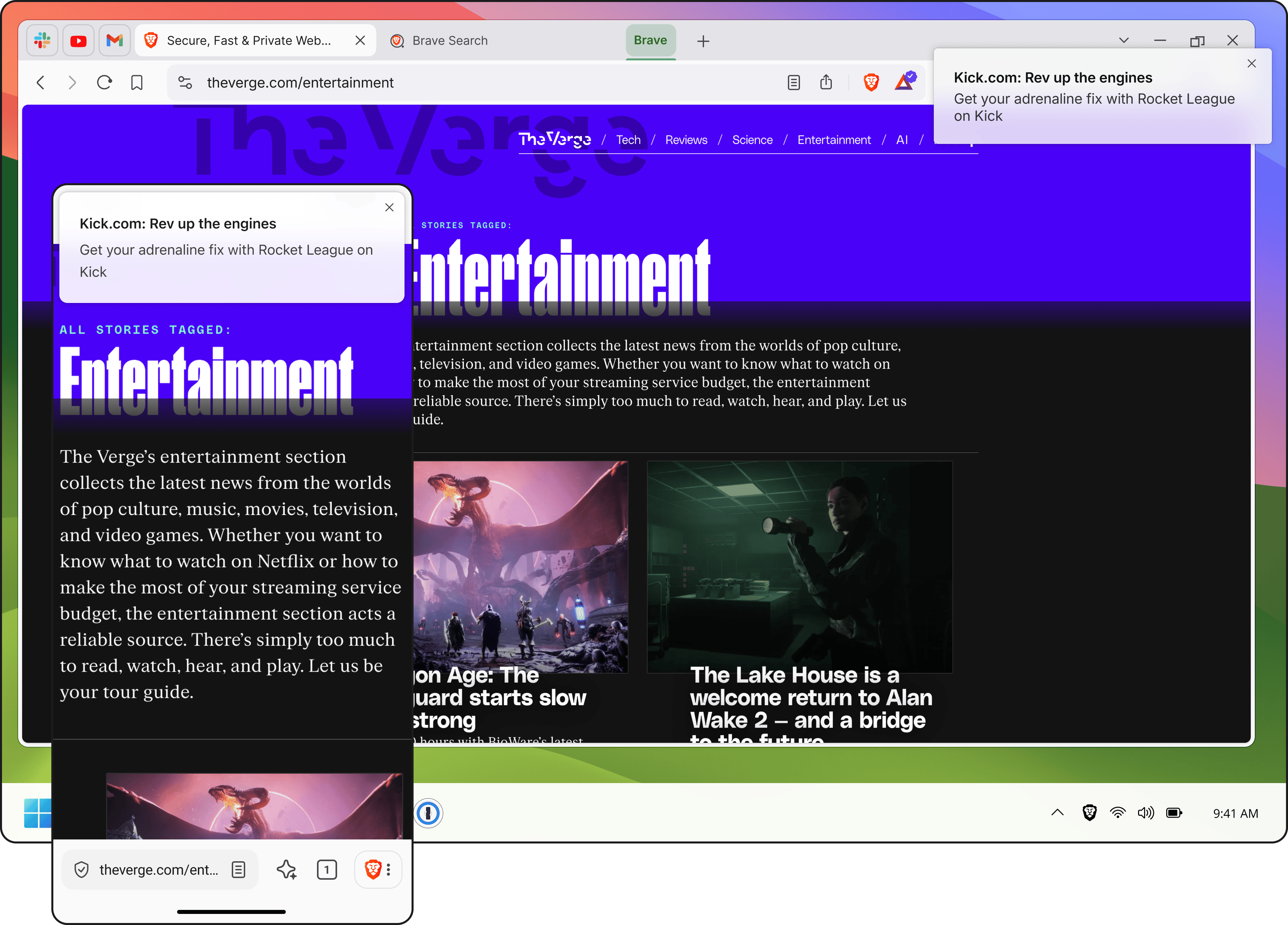
Notification Ads

Build frequency and convert customers with relevant ads delivered via push notifications as the user browses the Web with Brave.
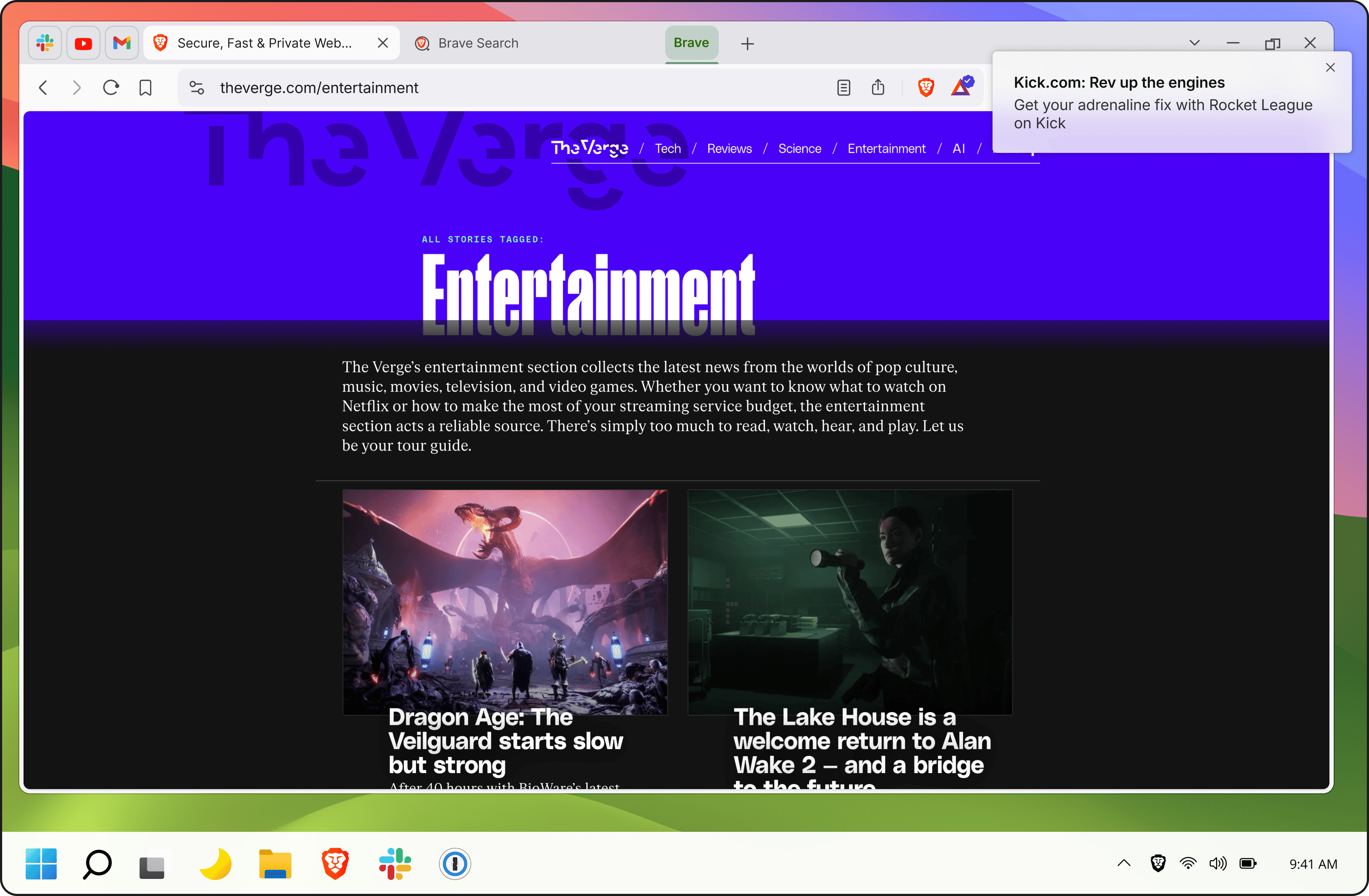
Brave Search results page

Disruptive brands grow with Brave Ads

Cloaked logo
Intel logo
Lenovo logo
Ledger logo
Polkadot logo
Solana logo
Sophos logo
Supercell logo
Toyota logo
Ubisoft logo

Sign up to stay notified on the latest from Brave Ads

Brave logo

Almost there…

Please continue the installation of Brave in the .

Please continue the installation of Brave in the .

You’re just 60 seconds away from the best privacy online

  1. Download Brave
  2. Run the installer
  3. Import settings
  1. step 1
    Download Brave

    Open the installer from Chrome's downloads (it should be in the upper right corner of this window).

  2. step 2
    Run the installer

    If you're prompted to, click “Yes” in the User Access Control dialog.

  3. step 3
    Import settings

    Wait for the installation to finish, then import your browser settings from Chrome.

If your download didn’t start automatically, click .

Need help?