
Brave Accounts: your password never leaves your device, ever.
This blogpost describes work done by Darnell Andries, Sofia Celi, Rafael Ebron, François Marier, Agustín Ruiz, Szilard Szaloki, the Engineering and Research teams and many other amazing people.
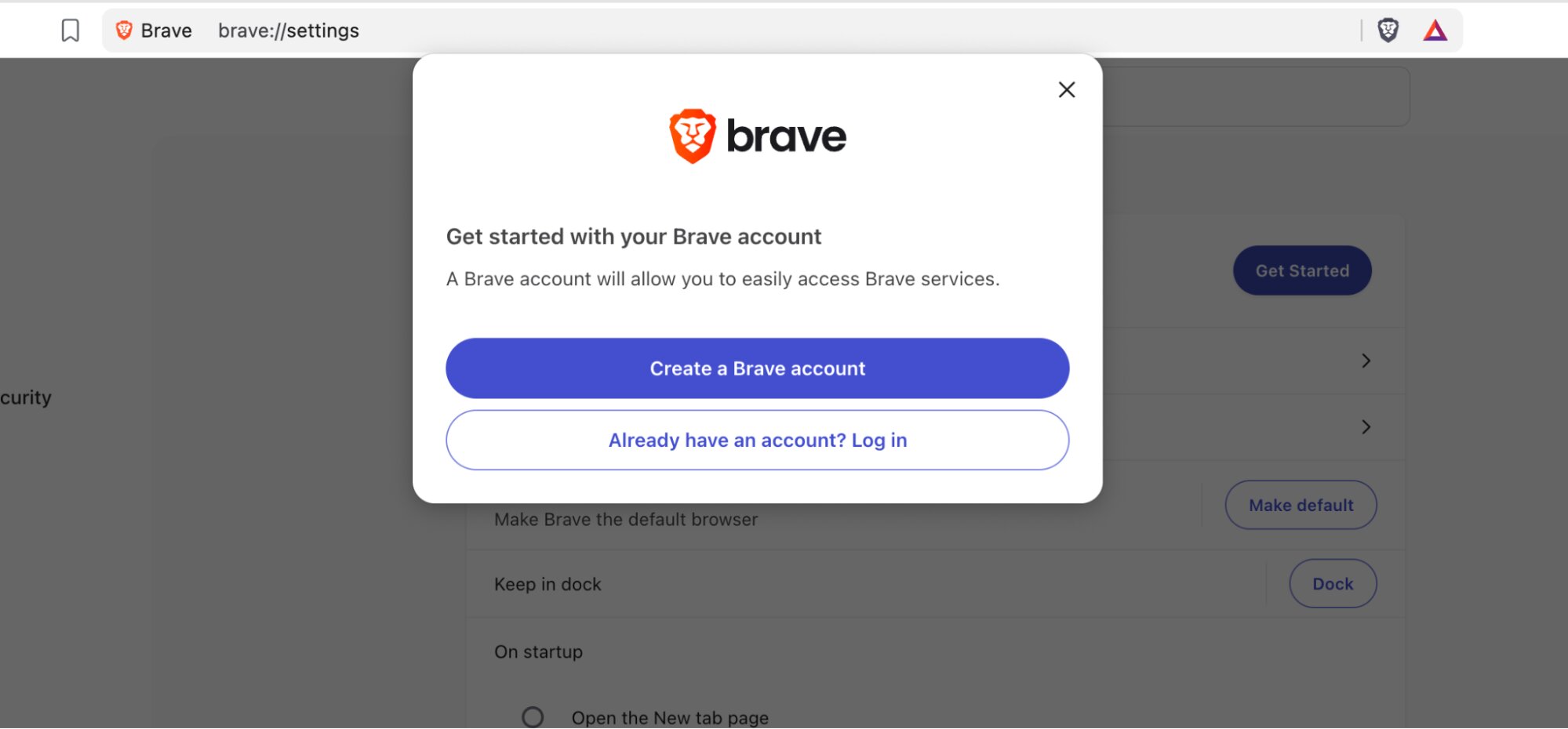
Today we’re introducing Brave Accounts, a brand new way to sign up for our Brave services, such as Email Aliases. However, contrary to what other services do, the way it handles your password is different from other login forms you have ever filled in.
Here’s the short version: when you sign in to a service built on Brave Accounts, your password itself is never sent to our servers: not encrypted, not hashed, nor “briefly held in memory and then discarded”. The password is never transmitted, so you don’t have to “trust” that we are keeping it safe for you. We don’t know it at sign-up, we don’t know it at login, and if someone were to steal our entire password database tomorrow, with high probability they still wouldn’t know it.
How do we do this? We are using cryptography, and specifically using a cryptographic protocol called OPAQUE (recently specified by the IRTF). We are in fact one of the first to use this new cryptography.
The problem with how login works today
Think about what happens when you type your password into a regular website in order to log in. Your browser opens a TLS connection, which encrypts the password in transit. This essentially means that no one looking at the network will be able to see your password. But, what happens when the password reaches the server where the website is hosted? The server has to have some representation of the password (often a hash) so that it knows that it is you who is authenticating. Often, this means that, at the other end (often at a load balancer or CDN before your application even sees it) the connection is decrypted and your actual password sits there in plaintext. The server, then, runs it through bcrypt or Argon2 (a hash-like mechanism) and compares the result against the stored representation.
You might reasonably ask: why not hash it in the browser and send only the hash (or the representation) instead of the password? Because then the hash is the password itself. Anyone who stole the database could replay the stored value straight back at the login endpoint. Verification has to happen on the server, against the real thing, so that the real thing has to be handed over.
That plaintext moment, however, is the whole problem. In that instant, the server knows your password, and so does anything with access to the server: a logging misconfiguration that writes request bodies to disk, a compromised dependency in the authentication path, a rogue insider, a memory-scraping attacker. Password managers and TLS don’t help here: the design requires the secret (the password) to be handed over.
Then, there’s the breach scenario. When a password database leaks, attackers get the optionally-salted hashes and start guessing offline, on GPUs, at billions of attempts per second. Worse, in many older protocols the salt is public or predictable, which lets attackers do the expensive work before the breach even happens, building precomputed tables and then cracking millions of accounts the moment the database drops. This is not a constrained scenario. When LinkedIn was breached in 2012, it was found that their password database was stored using unsalted SHA-1, which is a fast hash, with nothing to make one user’s entry substantially different from another’s. The initial dump was thought to cover 6.5 million accounts. When the full set surfaced four years later, it was 117 million, and roughly all of them were cracked in a few days. Identical passwords produced identical hashes, so recovering them was closer to a database lookup than a cracking job. And because most people reuse passwords, one company’s error becomes real users’ compromise across many services.
Enter OPAQUE
OPAQUE is an augmented password-authenticated key exchange, an aPAKE. It came out of academic work by Jarecki, Krawczyk and Xu, was selected for standardization as part of the IRTF Crypto Forum Research Group’s PAKE selection process, and was published as RFC 9807 in July 2025. It has a formal security proof in a strong, universally composable model.
The core idea is that the client and server run a little cryptographic dance in which the client proves it knows the password without ever revealing it, and both sides (client and server) come out the other end sharing a fresh secret session key, with the ability for the client to log in to this server. This dance is super fast (thanks to elliptic-curve cryptography), so no impact is seen by users.
How it actually works
There are two phases in the protocol. Bear with us here for the details: this is the genuinely interesting part.
Registration
You choose a password. Your device and our server jointly run an Oblivious Pseudorandom Function (OPRF). This means that: you blind your password with a random value and send the blinded version of it; the server applies a secret key it holds and sends the result back; then, your device unblinds it. The output is a value derived from both your password and our server-side secret (the secret key), but the server learned nothing about your password, and you learned nothing about the key. That’s what “oblivious” means here: both ends are oblivious to each other’s values.
Your device then runs that value through a memory-hard function (Argon2id), so that even in the worst case, every guess an attacker makes is expensive, and combines the result with a random nonce to derive an authentication key pair deterministically. Nothing secret, like your password, needs to be stored anywhere.
It sends us the resulting public key, a masking key, and a small envelope: just the nonce and an authentication tag. We store that. There’s no encrypted password in it and no encrypted key either: only material that’s useless without your password.
Login
You type your password again. The same OPRF dance produces the same value if you use the correct password. The server sends back your stored envelope: masked, XORed with a pad only your masking key can reproduce, which means an eavesdropper can’t tell a real account from one that doesn’t exist. Your device unmasks it, and the nonce inside feeds the same derivation as before, regenerating the identical key pair. Your device then checks the envelope’s authentication tag: if the password was right, the tag verifies and your device holds the correct private key.
The device and our server then run an authenticated key exchange using those keys, agreeing on a session key while each proves to the other that it’s legitimate. If the password was wrong, the derived keys are simply the wrong keys, the tag doesn’t verify, and nothing useful or sensitive ever crosses the wire.
Why this makes everyone safer
So, why did we decide to use this protocol? Because we wanted to give the best security we have for users using passwords. This means:
- The password itself is never transmitted. No plaintext at the server means no accidental logs, no memory scraping, no insider peeking, no “we’ve discovered a subset of passwords were stored in cleartext” blog post two years from now.
- On-mass precomputation of passwords is dead. Because part of the derivation depends on a secret key held by the server, attackers can’t build dictionaries of passwords in advance. They have to steal the database and the server secret first, and only then start guessing: per user, from scratch, against a memory-hard function. A breach, hence, then becomes a slow, expensive, per-account per-user grind.
- Login isn’t the end, it’s the beginning. OPAQUE also gives the client an export key: a strong secret derived from your password that the server never learns. That’s a key you can use to encrypt data end-to-end, with nothing to manage beyond the password you already remember and know.
What OPAQUE doesn’t do
While using OPAQUE means that we are using very cool cryptography, it still has some caveats.
It doesn’t stop phishing on its own. If an attacker controls the page or app you’re typing into, they can capture the password before any protocol runs.
It doesn’t make weak passwords strong. “password123” still falls to an online guessing attack, which is why Brave Accounts rate-limits and asks for strong passwords.
After a full server compromise, a determined attacker can eventually mount an offline per-user dictionary attack. OPAQUE makes that dramatically slower and unparallelizable across users, but it doesn’t make it impossible.
Why we think this is genuinely cool and better for our users
Most security improvements are about reducing the blast radius of a mistake. OPAQUE is about removing the thing that could create that blast. But also, this is a protocol that is composable. Because OPAQUE hands back a session key and an export key, it isn’t just a login box, it’s a key-agreement primitive with a password-shaped front door. That unlocks a lot:
- End-to-end encrypted storage, where the encryption key is derived from your password and never touches our infrastructure (this is roughly how WhatsApp built password-protected encrypted chat backups).
- Device sync and recovery, bootstrapped from something you remember rather than a code you’ll lose. We are also planning on a new version of Sync built on this, so stay tuned, as you’ll soon be able to pair Brave Sync with your Brave Account, and, hence, you will be able to forgo the current QR code pairing process and instead just log in to bring end-to-end-encrypted sync to a new device. An account-less sync option will continue to be available and fully supported, so if you don’t want an account to use our services, you can still do it!
Brave Accounts serves as the foundation for our new Email Alias service, and it will support a growing number of future Brave services as well.
Getting started
Brave Accounts is available today, so try it out! You can go to brave://settings/getStarted and follow the banner in order to create an account.
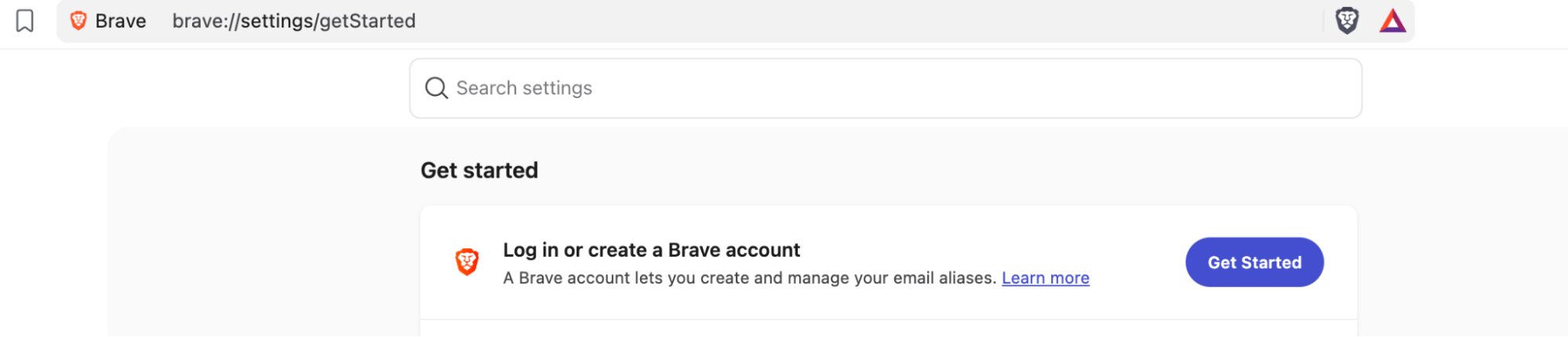
You can give us feedback on the support form, GitHub, or any of our social media channels.

