
Quickly enter picture-in-picture mode in YouTube
YouTube is already better in Brave. By blocking pre-roll, mid-roll, and on-page ads in YouTube, you get a premium-like experience, free of ad interruptions.
Now, you can enter picture-in-picture (PiP) mode in YouTube with a single tap. To watch YouTube videos in PiP:
- Navigate to youtube.com in Brave, and select the video you’d like to watch.
- Tap the PiP button at the right side of the address bar.
Note: YouTube PiP improvements will be rolled out in phases. If you don’t yet see this option on your Android device, check back soon.
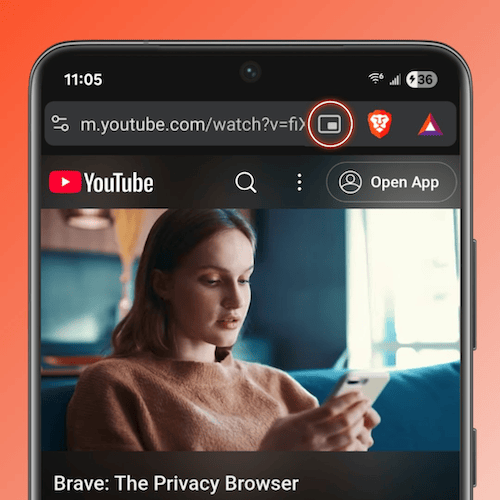 Picture-in-picture mode for YouTube videos

