Leo AI, now in Android quick actions

Android’s quick actions search widget makes it easier to access specific app features directly from your device’s home screen.

Leo is Brave’s browser-native smart AI assistant. It can answer questions, analyze websites and docs, generate new content, and more. All with privacy and performance at heart.

With Android 1.82, we’ve combined the two. Brave users can now prompt Leo directly with a voice search in quick actions.
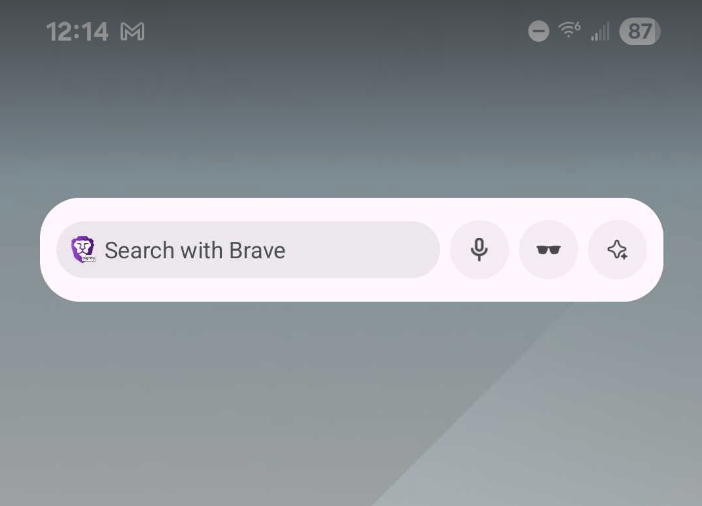
Leo in the quick actions search widget Leo in the quick actions search widget

Brave logo

Almost there…

Please continue the installation of Brave in the .

Google Play app .

You’re just 60 seconds away from the best privacy online

  1. Download Brave
  2. Run the installer
  3. Import settings
  1. step 1
    Download Brave

    Open the installer from Chrome's downloads (it should be in the upper right corner of this window).

  2. step 2
    Run the installer

    If you're prompted to, click “Yes” in the User Access Control dialog.

  3. step 3
    Import settings

    Wait for the installation to finish, then import your browser settings from Chrome.

If your download didn’t start automatically, click .

Need help?