
Hide vertical tabs panel
You can already customize tab placement on Brave for desktop, moving open tabs to a vertical list on the right or left of the browser window. Now, with Brave 1.84, you can choose to hide the tab panel completely when it’s minimized, giving you more space—and less distraction—in the window.
To hide vertical tabs completely:
- Open the desktop browser and then click the main settings menu (
 ).
). - Click Appearance.
- Scroll to Tabs, and make sure you’ve toggled on Use vertical tabs.
- Click Hide completely when minimized.
- Go to the vertical tabs panel and click the Minimize Tabs icon at the top of the tabs list.
Now, when you’re not actively hovering on the vertical tabs panel, it will disappear completely from the browser window.
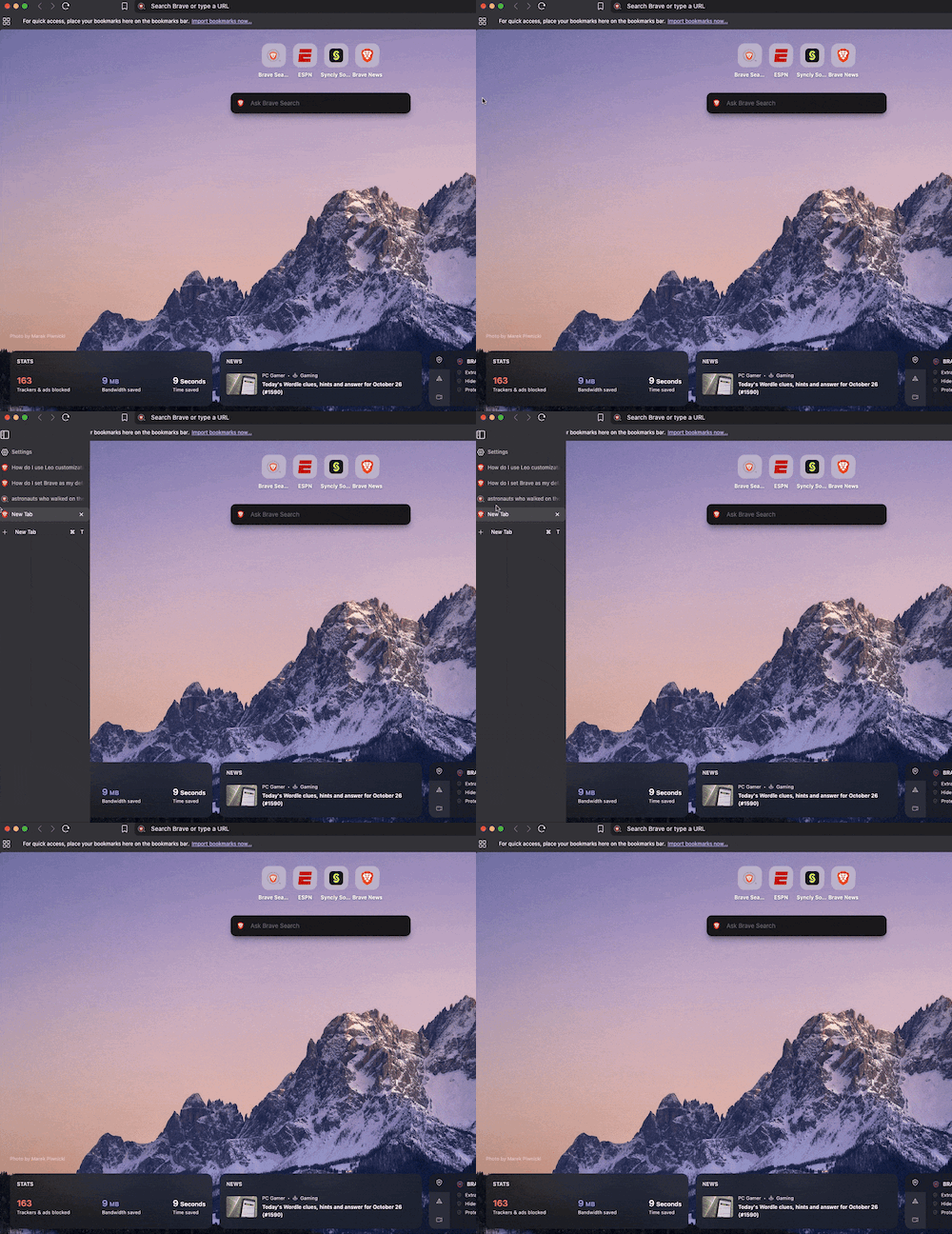 Hide the vertical tabs panel on desktop

