
Introducing Ask Brave
Ask Brave is a new feature of Brave Search. It brings a single interface that consolidates both search and AI chat. Ask Brave provides comprehensive answers to any question, plus other actionable elements–such as videos, webpages, and products–at the click (or tap) of a button.
Ask Brave is available on the Brave Search homepage and at the top of the Brave Search results page. It’s free and available on any browser or platform.
To try Ask Brave:
- Visit search.brave.com and start a search.
- Click or tap Ask at the top of the search results page.
Alternatively, you can visit brave.ai to directly start a chat.
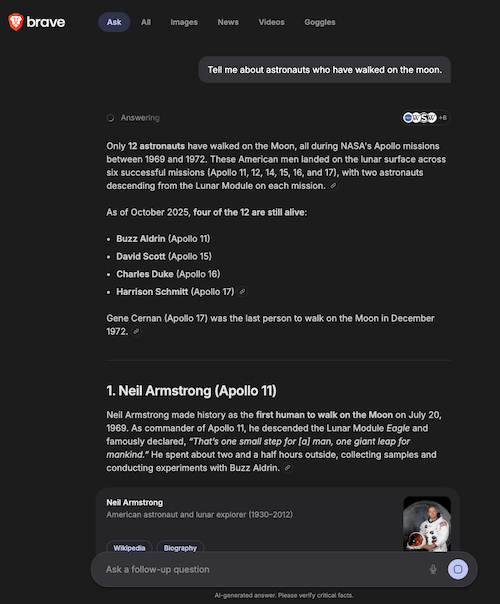 Ask Brave in Brave Search

