Brave Branding Assets

Find and download official Brave branding assets and brand guidelines.

Brave Logos & Icons

Brave logo svg

Brave Logo Package

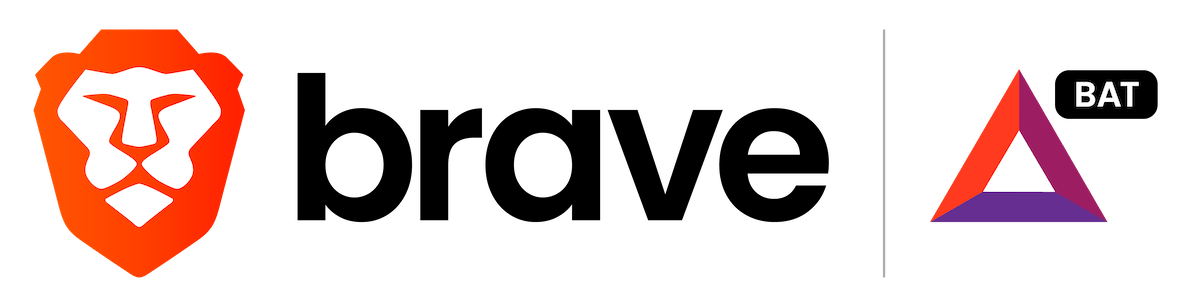
Brave/BAT Lockup

Brave & Basic Attention Token logo lockup

Brave Logo Package

Colors, Fonts, & Buttons

Official Brave Colors

#FB542B

rgb(251,84,43)

#343546

rgb(52,53,70)

#A0A1B2

rgb(160,161,178)

#f0f0f0

rgb(240,240,240)

#a3278f

rgb(163,39,143)

#4f30ab

rgb(79,48,171)
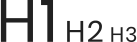
Brave Fonts & Typography

Headline Font Family

Google Fonts: Poppins

Body Copy Font Family

The quick brown fox jumps over the lazy dog

Google Fonts: Poppins
Brave logo

Almost there…

Please continue the installation of Brave in the .

Google Play app .

You’re just 60 seconds away from the best privacy online

  1. Download Brave
  2. Run the installer
  3. Import settings
  1. step 1
    Download Brave

    Open the installer from Chrome's downloads (it should be in the upper right corner of this window).

  2. step 2
    Run the installer

    If you're prompted to, click “Yes” in the User Access Control dialog.

  3. step 3
    Import settings

    Wait for the installation to finish, then import your browser settings from Chrome.

If your download didn’t start automatically, click .

Need help?